

Order button with obligation to pay
Polish law requires the order button to contain the text “order with obligation to pay” or similar. Polski for WooCommerce automatically changes the default WooCommerce button text.
Legal requirements
Section titled “Legal requirements”The button must clearly indicate the obligation to pay. Accepted variants:
- “Zamawiam z obowiazkiem zaplaty” (Order with obligation to pay)
- “Zamawiam i place” (I order and pay)
- “Kupuje i place” (I buy and pay)
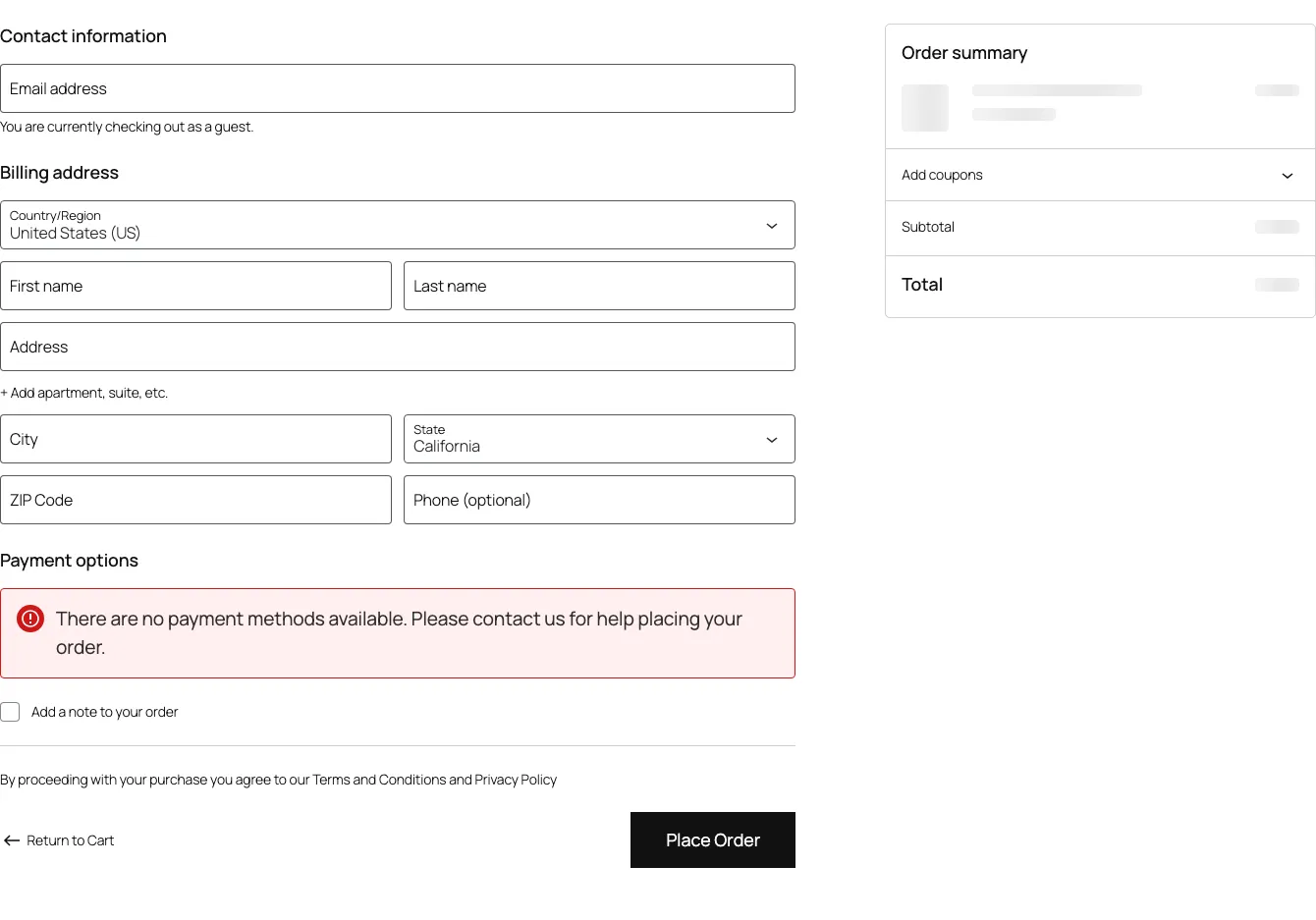
Texts like “Place order”, “Order” or “Confirm” do not meet the requirements and risk penalties.
Configuration
Section titled “Configuration”Go to WooCommerce > Settings > Polski > Checkout and configure the “Order Button” section.
Settings
Section titled “Settings”| Setting | Default value | Description |
|---|---|---|
| Button text | Zamawiam z obowiazkiem zaplaty | Text displayed on the button |
| Override for all payment methods | Yes | Whether to apply text regardless of selected method |
| Override payment gateway texts | Yes | Whether to override texts set by payment gateway plugins |
Texts per payment method
Section titled “Texts per payment method”Some payment gateways (e.g. PayPal, Przelewy24) set their own button texts. The plugin lets you choose:
- Override all - always display the set text (recommended)
- Keep gateway texts - allow gateways to set their own texts (make sure they meet legal requirements)
Technical implementation
Section titled “Technical implementation”The plugin changes the button text with a WooCommerce filter:
add_filter('woocommerce_order_button_text', function (): string { return 'Zamawiam z obowiazkiem zaplaty';});Block Checkout compatibility
Section titled “Block Checkout compatibility”The plugin works with classic checkout (shortcode) and Block Checkout (Gutenberg). Block Checkout uses:
woocommerce_order_button_textfilter (classic)- Store API endpoint (Block Checkout)
Compatibility with popular plugins
Section titled “Compatibility with popular plugins”The plugin works with popular payment gateways in Poland:
- Przelewy24
- PayU
- Tpay
- Stripe
- PayPal
- BLIK (through various gateways)
Customizing the text
Section titled “Customizing the text”Changing text in settings
Section titled “Changing text in settings”Change the text in WooCommerce > Settings > Polski > Checkout. The new text must still indicate the obligation to pay.
Changing text programmatically
Section titled “Changing text programmatically”add_filter('woocommerce_order_button_text', function (string $text): string { return 'Kupuje i place';}, 20);Priority 20 ensures that the filter runs after the plugin’s filter (priority 10).
Text dependent on payment method
Section titled “Text dependent on payment method”add_filter('woocommerce_order_button_text', function (string $text): string { $chosen_payment = WC()->session->get('chosen_payment_method');
if ($chosen_payment === 'bacs') { return 'Zamawiam z obowiazkiem zaplaty przelewem'; }
if ($chosen_payment === 'cod') { return 'Zamawiam z obowiazkiem zaplaty przy odbiorze'; }
return 'Zamawiam z obowiazkiem zaplaty';}, 20);Button styling
Section titled “Button styling”The button uses default WooCommerce CSS classes. Customize its appearance:
#place_order {    background-color: #2e7d32;    font-size: 1.1em;    font-weight: 700;    padding: 0.8em 2em;    text-transform: none;}
#place_order:hover {    background-color: #1b5e20;}
For Block Checkout:
.wc-block-components-checkout-place-order-button { background-color: #2e7d32; font-weight: 700;}Testing
Section titled “Testing”After configuration, check the button in the following scenarios:
- Checkout with various payment methods
- Checkout as a guest and logged-in user
- Checkout with a coupon
- Checkout with a subscription (if you use WooCommerce Subscriptions)
- Mobile checkout - make sure the text is not truncated
Common issues
Section titled “Common issues”Button text reverts to the default “Place order”
Section titled “Button text reverts to the default “Place order””Check that:
- The plugin is active and the checkout module is enabled
- No other plugin overrides the filter with a higher priority
- The theme does not hardcode the button text in the template
Text is truncated on mobile devices
Section titled “Text is truncated on mobile devices”The text “Zamawiam z obowiazkiem zaplaty” may not fit on small screens. Solutions:
- using a shorter variant: “Kupuje i place”
- adjusting CSS:
white-space: normalon the button
Block Checkout does not change the text
Section titled “Block Checkout does not change the text”Check that you have the latest plugin version. Older versions may not support Block Checkout. Also update WooCommerce Blocks.