

Product compare
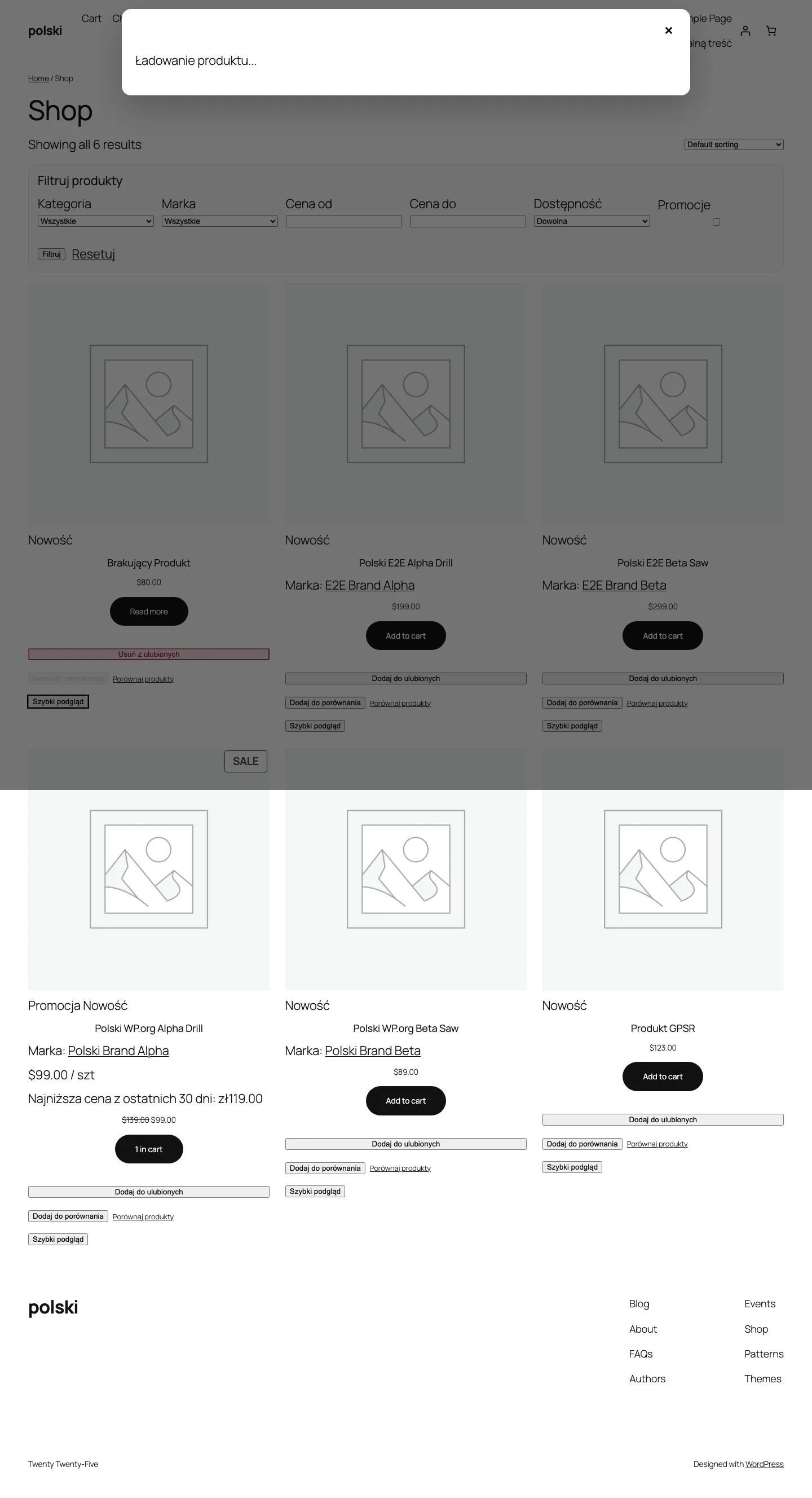
The compare feature lets customers place several products side by side in a feature table. It makes choosing easier, especially in stores with a large selection.
Enabling the module
Section titled “Enabling the module”Go to WooCommerce > Polski > Storefront Modules and activate the Product Compare option. A compare button will appear on products.
Feature table
Section titled “Feature table”After adding products to the comparison, the customer sees a table with columns for each product. Table rows contain:
- Product image
- Name with link
- Price (including promotions and Omnibus Directive)
- Rating (stars)
- Short description
- Availability status
- Product attributes (color, size, etc.)
- Delivery time (if set)
- Add to cart button
Rows where all values are identical can be automatically hidden - enable the Hide identical features option in module settings. This focuses the customer’s attention on differences between products.
Maximum number of products
Section titled “Maximum number of products”By default, the customer can compare up to 4 products simultaneously. This limit can be changed in settings or with a filter:
add_filter('polski/compare/max_items', function (): int { return 6;});After reaching the limit, the Add to compare button is deactivated with a message about the reached limit. The customer must first remove one of the products.
Auto-replace
Section titled “Auto-replace”When the Auto-replace option is active, adding a product above the limit automatically replaces the oldest product in the comparison with the new one. The customer receives a toast notification about the replacement.
Enable in settings: WooCommerce > Polski > Storefront Modules > Compare > Auto-replace.
Or programmatically:
add_filter('polski/compare/auto_replace', '__return_true');AJAX behavior
Section titled “AJAX behavior”The compare feature works without page reload. AJAX actions:
| Action | Description |
|---|---|
polski_compare_add | Add a product |
polski_compare_remove | Remove a product |
polski_compare_get | Get the product list |
polski_compare_clear | Clear the comparison |
Comparison data is stored in the WooCommerce session (WC()->session), so it works for both guests and logged-in users.
Shortcode [polski_compare]
Section titled “Shortcode [polski_compare]”The shortcode displays the comparison table anywhere in the store.
Parameters
Section titled “Parameters”| Parameter | Type | Default | Description |
|---|---|---|---|
columns | string | all | Features to display (comma-separated) |
hide_similar | string | no | Hide rows with identical values |
show_remove | string | yes | Show product remove button |
Usage example
Section titled “Usage example”[polski_compare columns="image,name,price,rating,stock" hide_similar="yes"]Usage on a dedicated page
Section titled “Usage on a dedicated page”Create a page e.g. Product Comparison and insert the shortcode:
[polski_compare]Then in module settings, point to this page as the Comparison page. The View comparison button in the popup will redirect to this page.
Compare button
Section titled “Compare button”The button displays on the product card (category page) and on the single product page. Control the position with a filter:
add_filter('polski/compare/button_position', function (): string { return 'after_add_to_cart';});Available positions: before_add_to_cart, after_add_to_cart, after_summary.
Floating bar
Section titled “Floating bar”After adding the first product to the comparison, a bar appears at the bottom of the screen with thumbnails of selected products and a Compare button. The bar is responsive - on mobile devices it shows the number of selected products instead of thumbnails.
Comparison within a category
Section titled “Comparison within a category”By default, the customer can compare products from different categories. If you want to restrict comparison to products from the same category:
add_filter('polski/compare/same_category_only', '__return_true');When attempting to add a product from a different category, the customer will see a message about the restriction.
CSS styling
Section titled “CSS styling”Module CSS classes:
.polski-compare-button- add to compare button.polski-compare-button--active- product is in comparison.polski-compare-table- comparison table.polski-compare-bar- bottom bar.polski-compare-empty- empty comparison message
Troubleshooting
Section titled “Troubleshooting”Table does not display attributes - make sure product attributes are set as Visible on the product page in the product editor (Attributes tab).
Button does not respond to clicks - check the browser console for JavaScript conflicts. The most common cause is duplicate jQuery or a conflict with a JS optimization plugin.
Report issues: github.com/wppoland/polski/issues